How to Set Up Asana for a Small Team: 6 Best Practices

"Asana is too much for my small team."
I hear this more often than you’d think. And honestly, I get where it comes from. You look at Asana and see portfolios, custom fields, workflows, rules, dashboards, and AI, and it can feel like a tool built for a 200-person company, not your team of eight.
But here’s the thing: Asana for small teams works extremely well. You just do not need to use all of it right away.
In most cases, the best Asana setup for small teams is a simple one: one team, a handful of core projects, clear documentation, and one workflow rolled out at a time. That is usually more than enough to help a small team stay organized, move faster, and build a system that can grow with them.
This post is a practical guide to how to set up Asana for a small team without overcomplicating it. No overengineering. No unnecessary complexity. Just the best practices that will help you get value from Asana early and keep the setup manageable as your team grows.
Quick Answer: How Should a Small Team Set Up Asana?
If you want the short version, here it is:
Start with one team in Asana
Create only the projects you genuinely need
Document how your team will use Asana
Roll out one workflow at a time
Set notification preferences early
Use AI where it saves real time, not just because it is there
That is the best starting point for most teams using Asana project management for small teams. Keep it simple first. Add complexity later when there is a real reason for it.

1. Start with One Team in Asana
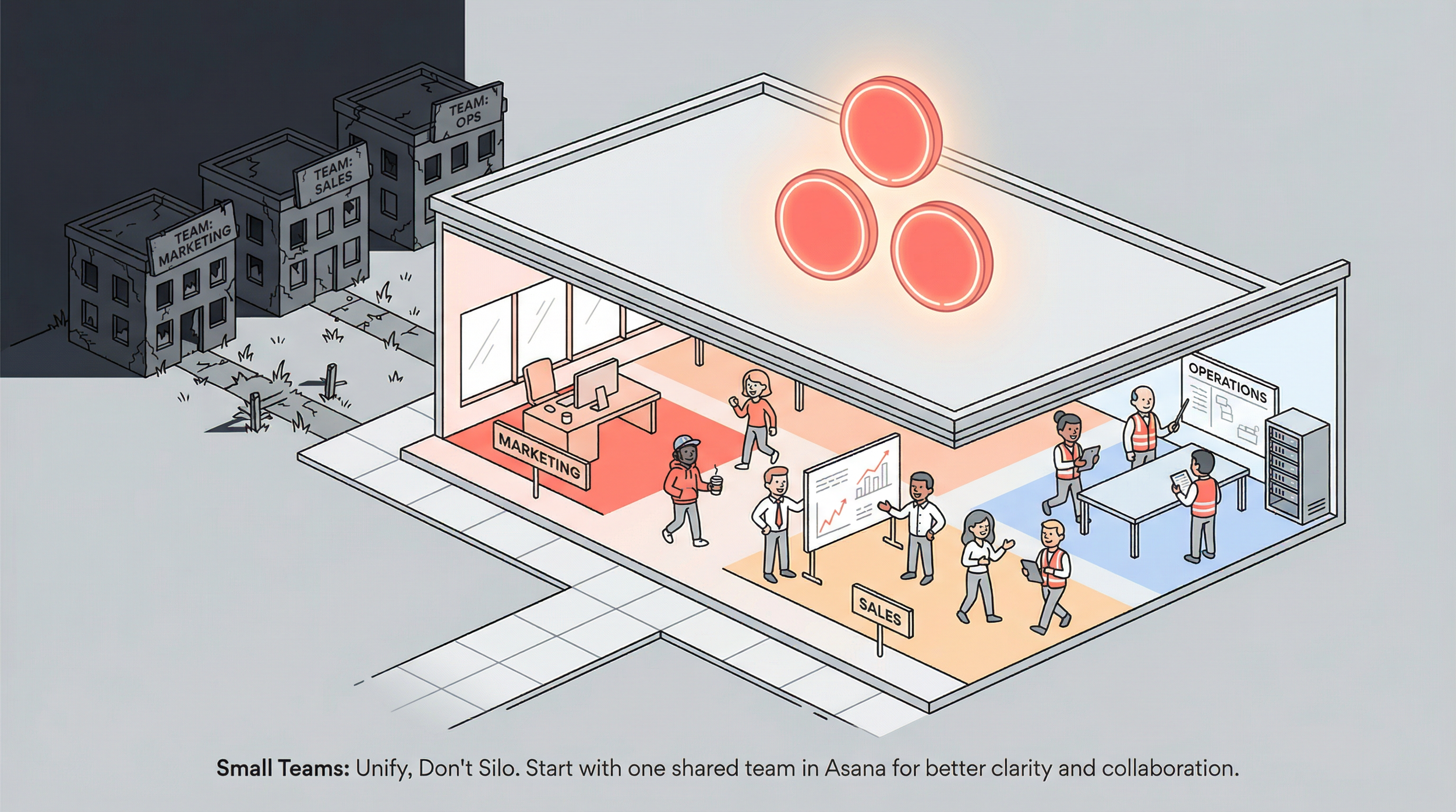
Most small teams should begin with one team in Asana, not separate teams for every function.
If you’ve done any research on Asana setup, you’ve probably read that you should create one team per department. Marketing gets a team. Sales gets a team. Operations gets a team.
That advice makes sense for larger organizations. For a small team, it can create more friction than clarity.
If you’re a team of 5, 10, or even 15 people, creating a single team in Asana and housing all your projects there is usually a smart approach. It keeps everything in one place, makes it easier for everyone to find what they need, and avoids the overhead of managing multiple teams with overlapping members.
An Asana team is the shared space where a group of people can access related projects, templates, and workflows. For small teams, keeping that shared space simple tends to work better than splitting it too early.
And this decision is not permanent.
Two things to keep in mind:
Projects can be shared across teams or moved later. If your company grows and you eventually want department-specific teams, you can restructure without starting over.
You still have ways to organize projects within one team. If you’re on Asana’s Advanced plan or higher, you can use Asana portfolios to group projects. Asana portfolios are collections of projects that help teams track and organize work across multiple projects in one place.
Think of portfolios as folders for visibility and structure:
Marketing Projects
Operations
Client Work
All within the same team.
If you’re on the Starter plan, you can use the curated work section in the team’s Overview tab to organize quick links to projects, forms, and templates. It’s a simple way to keep things tidy without adding more structural complexity.
What this looks like in practice
Say you run a 10-person architecture firm with architects, interior designers, a project coordinator, and an office manager.
Instead of creating separate teams for:
Design
Project Management
Admin
You create one team called your firm name.
All your client projects, permit tracking, internal processes, and admin work live there. You group them by function using portfolios or the curated work section. Everyone can see what they need, and nobody has to hunt through multiple teams to find a project.
Or picture a small digital agency with designers, developers, a project manager, and a couple of account managers. Same idea. One team, all projects in one place, organized by function:
Client Work
Internal Ops
Business Development
Clean, simple, and easy to navigate.
2. Create Only the Asana Projects Your Team Actually Needs
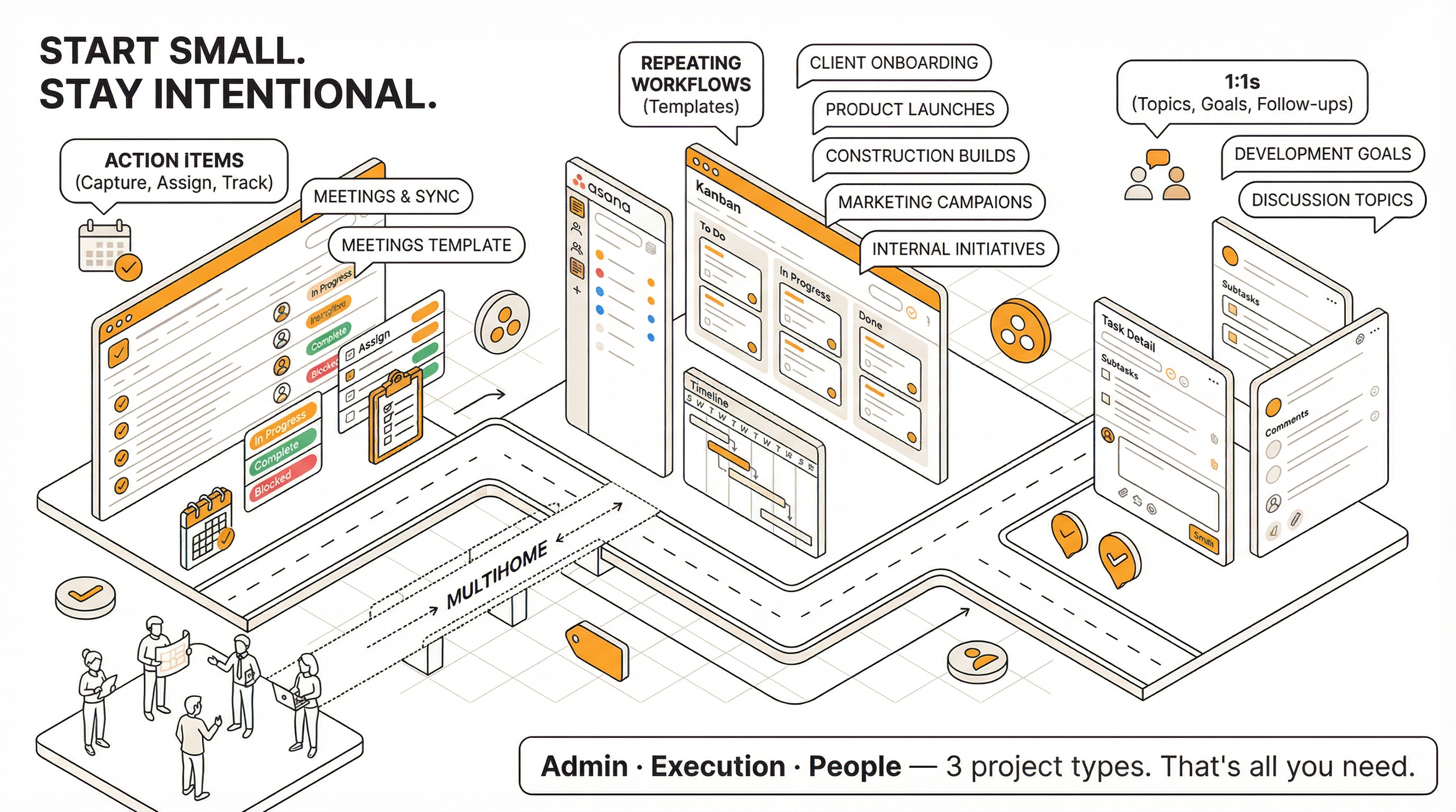
Small teams should create only the projects they genuinely need, starting with core admin, execution, and people-management workflows.
Admin projects
These are the projects that keep your team running day to day, even if they are not tied to a specific deliverable.
A good place to start is a meetings and action items project.
Every time your team meets:
capture action items as tasks
assign them to the right person
set a due date
track them to completion
It sounds simple because it is. But it is also one of the easiest ways to stop things from falling through the cracks.
If you do regular one-on-ones, consider creating a project from a 1:1 template. Each team member gets their own 1:1 project where you track:
discussion topics
development goals
follow-ups
If an action item from your meetings project connects to a specific team member’s development or a topic you are already tracking in their 1:1, you can multihome that task into both projects without duplicating work.
Execution and deliverables projects
These are the projects tied to actual outcomes:
client onboarding
product launches
construction builds
marketing campaigns
internal initiatives
An Asana project is a dedicated space for organizing related work, deadlines, owners, and deliverables in one place.
The key here is to think in terms of repeatable workflows.
If you run client onboarding regularly, build one strong project template with the standard steps. The next time a new client comes in, you create a new project from that template instead of starting from scratch.
That is one of the most useful Asana tips for small teams: build once, reuse often.
The "do I actually need a project?" gut check
Before hitting the "New Project" button, pause and ask yourself:
What's the purpose of this project?
What outcome does it track?
Could this be handled as a recurring task inside an existing project?
Will multiple people need to collaborate on this, or is it really just a personal to-do?
Not everything needs its own project.
Sometimes a recurring task or a section inside an existing project is the better call. The goal is to keep your Asana project management for small teams clean and intentional. It is much easier to add structure later than to untangle a pile of half-used projects.

What this looks like in practice
Imagine you’re a small team of four at an accounting firm. You might start with:
a Team Meetings and Action Items project for weekly syncs
a Client Onboarding template you use each time you bring on a new client
individual 1:1 projects for direct reports
That’s three project types covering:
admin
execution
people management
You do not need 15 projects on day one. Start there and add more as real needs come up.
3. Document How Your Team Uses Asana from the Start (yes, even now!)
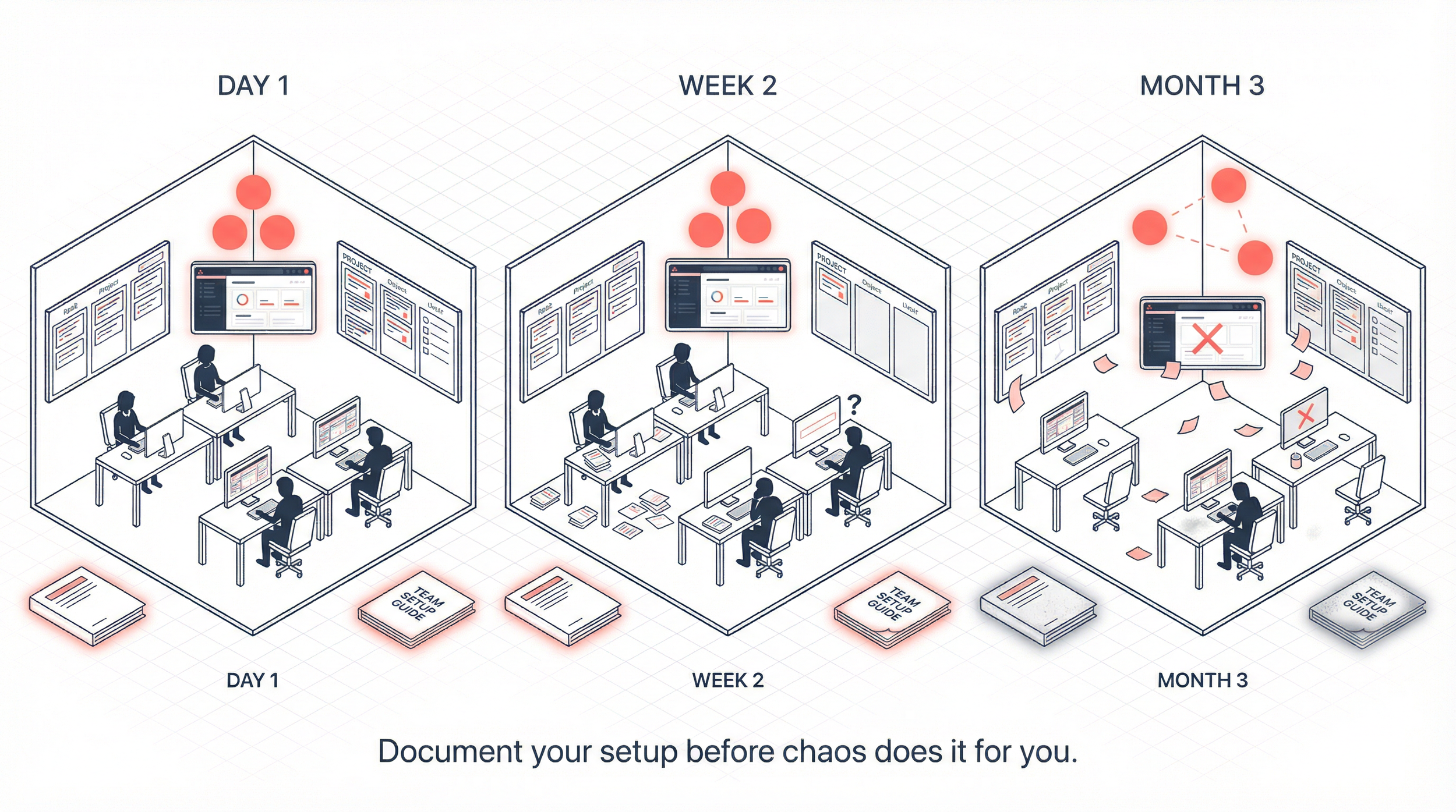
Even small teams should document how they use Asana early so the setup stays consistent as work gets busier and the team grows.
This is the one I see small teams skip most often. The reasoning makes sense on the surface: "We're only five people. Everyone was in the training. We all know how this works."
And that might be true on day one.
But after a week of competing priorities, urgent requests, and the normal chaos of work, things start to drift. One person stops adding due dates. Another creates tasks in the wrong project. Someone else skips fields because they are not sure which one to use.
Small teams are not immune to this. If anything, inconsistent usage becomes visible faster when there are fewer people.
There are three good reasons to document your setup
People forget
That is not a reflection of anyone’s ability. It is just how work goes. A simple reference doc keeps everyone aligned without requiring one person to repeat themselves constantly.
Your team will grow
When a new person joins, clear documentation helps them get up to speed much faster. Without it, they learn by watching others, and they also inherit whatever inconsistencies have crept into the system.
The “why” matters as much as the “how”
Documentation should not just explain how to use your setup. It should explain why you designed it that way.
That is what creates buy-in.
When people understand why the system exists, they use it better.
How to get started without making it a huge project
You do not need a 40-page manual.
A simple 1 to 2 page guide is enough to start. It can cover things like:
how your team uses Asana
project naming conventions
when to create a new project
which fields are required
what “done” means for your team
You could also:
run a live training session
record it
turn that recording into shorter SOPs or written guidance later
If building SOPs feels like one more thing on a long list, that’s understandable. This is also a natural place to link to workflow optimization, because the documentation and the system usually need to be built together, not separately.
When I work with teams, creating clear documentation is often part of the workflow design itself. The goal is not perfection. The goal is clarity.
A short guide your team actually uses is far more valuable than a perfect manual that never gets written.
4. Roll Out One Workflow in Asana at a Time
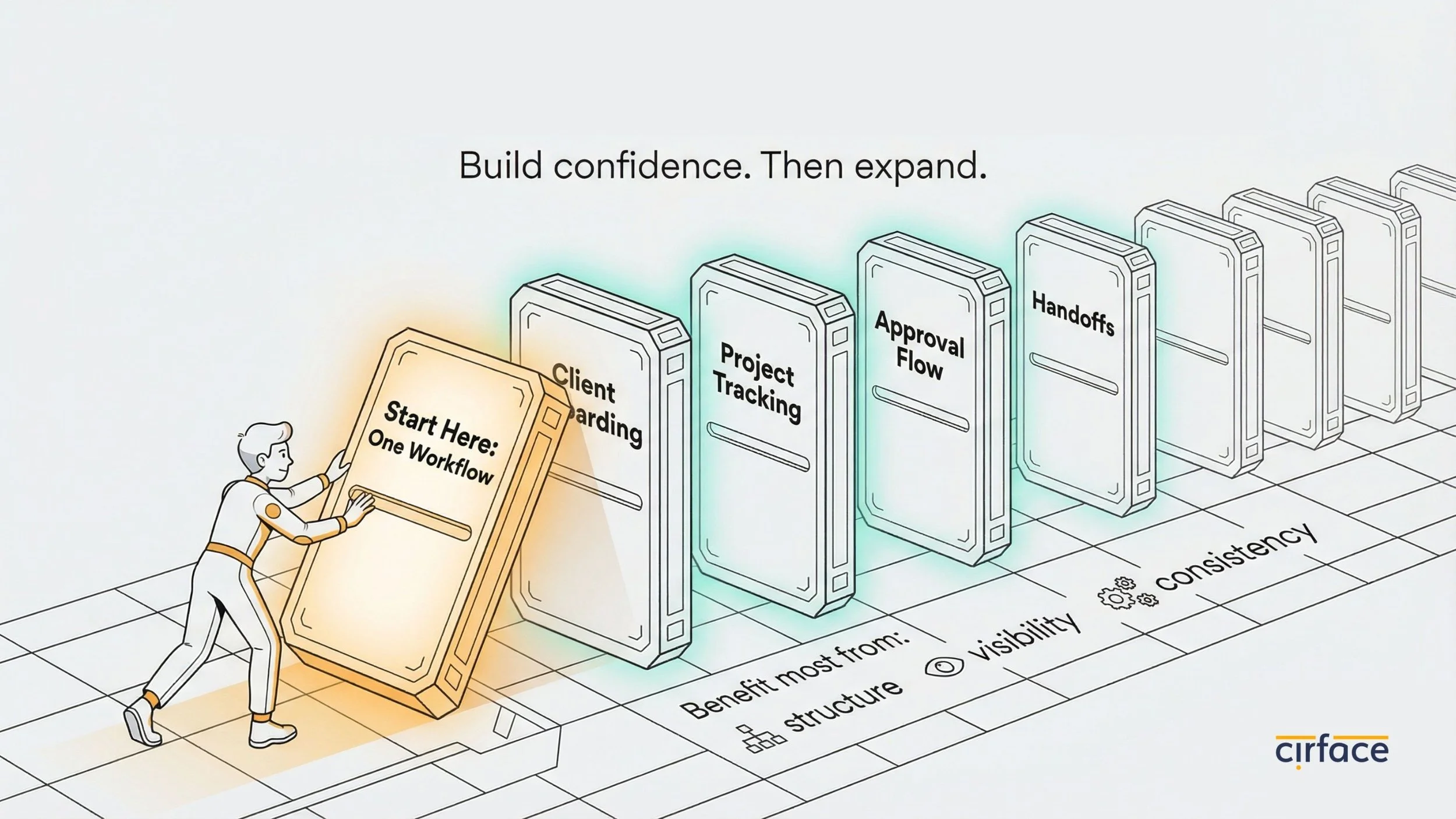
When you’re excited about a new tool, the temptation is to move everything into it at once.
Meetings, client work, content calendars, hiring, invoicing, internal ops, all of it, right now.
Resist that urge.
Instead, pick one workflow that is currently causing the most pain.
For example:
a client onboarding process that looks different every time
a project tracking process where updates get lost in email threads
an approval flow nobody can see clearly
a handoff process that keeps breaking down
Choose the workflow that would benefit most from:
structure
visibility
consistency
Then:
set it up well in Asana
get your team comfortable with it
let people experience the relief of having one workflow that actually works
expand from there
This is one of the best practices for Asana for small teams because it builds confidence without overwhelming people.
Your team starts to see that Asana makes work easier, not heavier.
5. Help Your Team Customize Asana Notifications Early
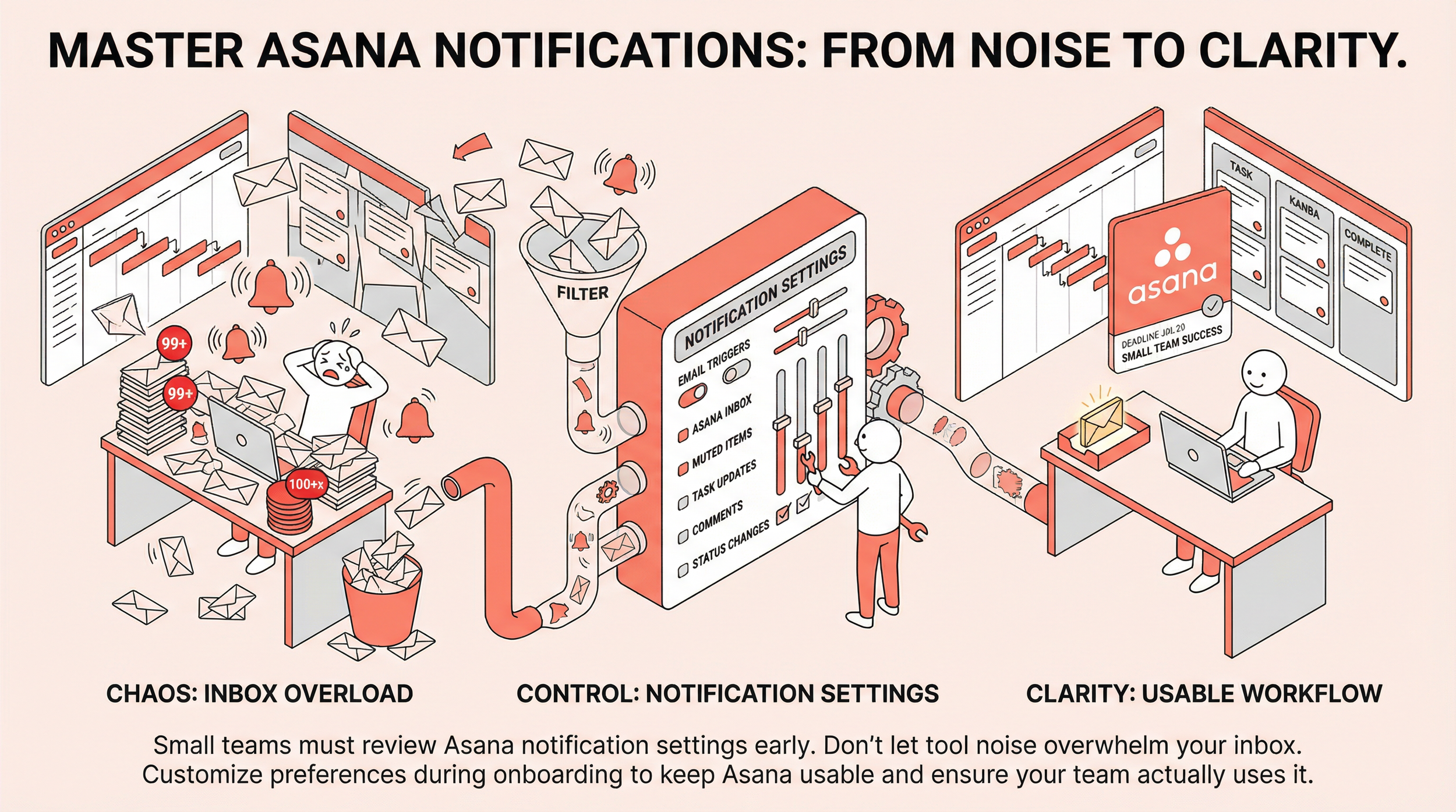
Small teams should review Asana notification settings early so the tool supports work without overwhelming everyone’s inbox.
If you’re running a small team, your inboxes are probably already busy. You’re communicating with customers, vendors, partners, and internal stakeholders all day. The last thing your team needs is a flood of Asana emails on top of that.
When people start getting emails for every task update, comment, and status change, they do not think, “this tool is helpful.”
They think, “this is noise.”
And that is how tools get ignored.
The fix is simple
Spend time during your initial setup showing everyone how to customize:
their Asana profile
their notification preferences
what triggers an email
what stays in the Asana inbox
what gets muted entirely
Asana gives you fairly granular control here, and a few minutes of configuration upfront can make a huge difference.
If you’re wondering how small teams use Asana successfully over time, this is part of the answer. They do not just build the tool. They also make it usable.
Make this part of onboarding. Walk through it together.
That small investment protects your team’s willingness to actually use the tool.
6. Use Asana AI Where It Saves Real Time
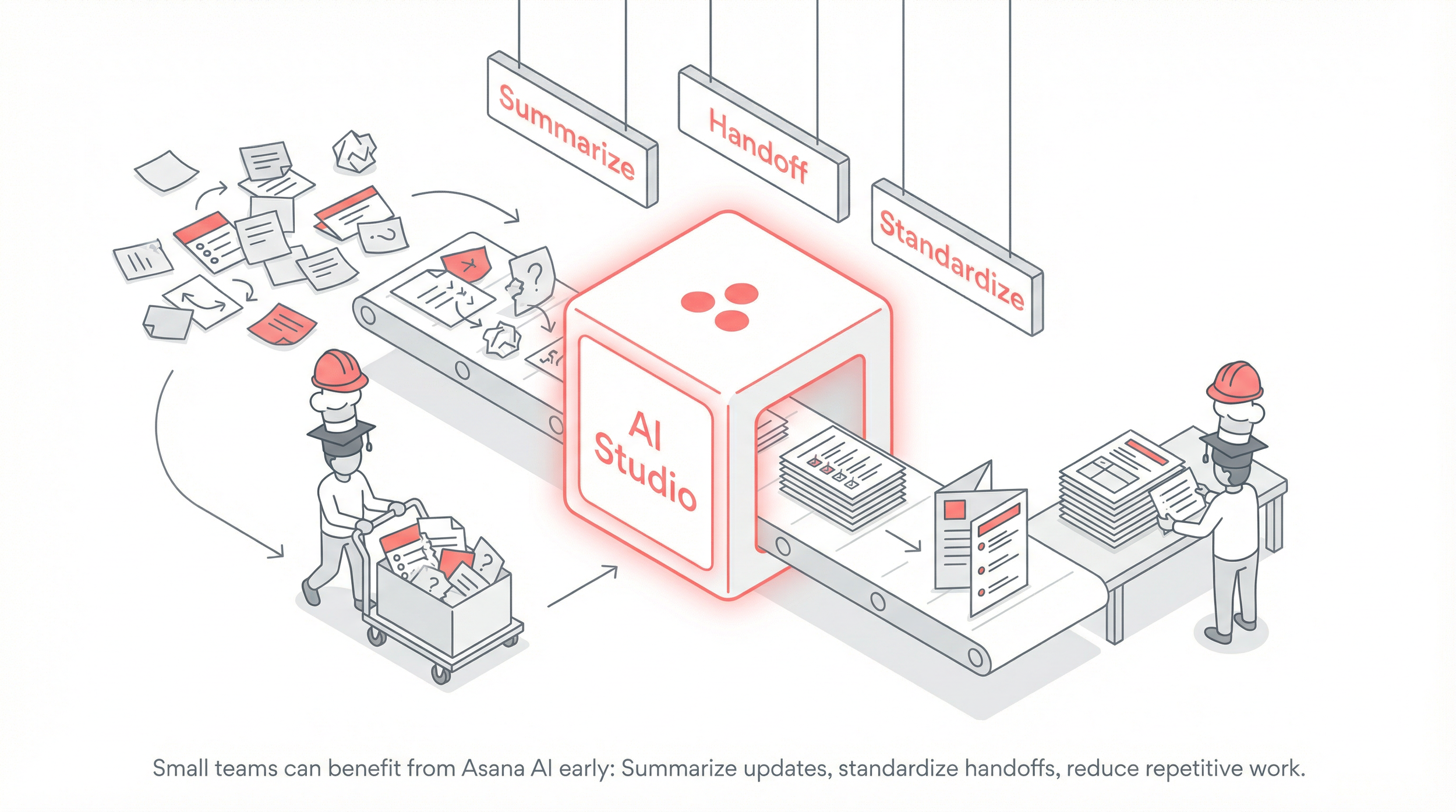
Small teams can benefit from Asana AI early, especially when it helps summarize updates, standardize handoffs, or reduce repetitive manual work.
AI might not be the first thing you think about when setting up a project management tool, but it is worth including here.
AI Studio is Asana’s no-code builder for AI-powered workflow actions inside your existing work.
For a small team, that matters because small teams often have people wearing multiple hats, and the right automation can save real time.
You do not need to build anything complex to get value from it.
Start with one simple use case
For example:
summarizing project updates
drafting a handoff note
pulling key details into a standard format
helping turn structured task data into basic documentation
That is the right way to think about AI in a small-team setup. Not as something flashy, but as something that removes friction.
We at Cirface createdthis video to help you navigate AI Studio if you’re still new to the tool.
Wrapping Up
Setting up Asana as a small team does not require a complicated strategy or a massive build.
It comes down to a few intentional decisions:
start with one team
create a clear framework for your first projects
document how your team will use the tool
roll out one workflow at a time
help people configure notifications properly
use AI where it genuinely saves time
The more advanced features are there when you’re ready. Asana portfolios, rules, goals, advanced reporting, and other layers of structure will still be there later.
You do not need all of it on day one.
Start simple. Build what works. Grow from there.
If you'd rather have guidance from the start,reach out and let's figure out what makes sense for your team. Or if you want structured onboarding with hands-on training, anAsana training engagement can get your team up and running with confidence from day one.
For more practical Asana tips and workflow advice,join the Cirface newsletter.
Frequently Asked Questions
How many teams should I create in Asana if I have a small team?
One team is enough to start. You can house all your projects under a single team and organize them using portfolios (on the Advanced plan and above) or the curated work section in the team's Overview tab (on the Starter plan). As your team grows, you can always restructure into department-specific teams. Projects can be moved or shared across teams at any time.
What's the best way to organize projects in Asana when there are only a few of us?
Think in buckets:
admin projects
execution projects
people-management projects
Add more only when there is a clear purpose. If something can be handled as a recurring task inside an existing project, keep it simple.
Do I really need to document how my team uses Asana if there are only a few of us?
Yes. Even on small teams, people forget processes quickly, especially when competing priorities take over. Documentation also future-proofs your setup for when new people join. A simple 1 to 2 page guide that covers "how we use Asana and why" is more than enough to start.
Should I worry about Asana notification emails overwhelming my team?
Definitely. If your team already has busy inboxes, a flood of Asana notification emails can turn people off the tool before they even give it a chance. Take time during setup to walk everyone through their notification preferences. Asana lets you control exactly what triggers an email versus what stays in the Asana inbox, and getting this right early protects long-term adoption.
What if my team outgrows our initial Asana setup?
That’s expected. Asana is flexible enough to grow with you. Projects can be moved, fields can be added, and features like portfolios, rules, and reporting can be introduced when they become useful. Starting simple does not mean staying simple forever.